
URSCA
UniFi Routing, Switching & Cybersecurity Admin.
The UniFi Routing, Switching & Cybersecurity Admin (URSCA) training course is a 2-day classroom training course intended to teach the fundamentals when designing, building & managing an enterprise network. Complete with hands-on lab activities using UniFi’s powerful Cloud Gateway and related hardware.
- In-Classroom Training
- Duration: 2 Days
- Level: Advanced
Duration
2 Days
Delivery
In-Classroom
Labs
Hands-On
Cerification
Official Ubiquiti
Exam
Included
Language
English
Level
Advanced
Course Outline
1. Network Theory
- OSI, TCP/IP & Server-Client Models
- Transport Layer Protocols & Ports
- Network Interface Types
- IPv4/IPv6 Communication Types
- Address Resolution Protocol & IPv4
- Neighbor Discovery Protocol & IPv6
2. Network Design
- Broadcast & Collision Domains
- LAN/WAN Network Hierarchy
- Bridges vs. Switches vs. APs vs. Routers
- High-Availability, WAN Failover & Load-Balancing
- Virtual LANs & Port Tagging
- IPv4 Addressing & Subnetting
- IPv6 Addressing
3. Switching
- MAC Tables & Switch Behavior
- Spanning Tree Protocol
- Port Isolation
- Link Aggregation
- Port Security, 802.1X & RADIUS
- Access Control Lists
4. Routing
- Routing Fundamentals
- Static Routing
- Policy-Based Routing
- Dynamic Routing
- OSPF
- BGP (Coming Soon)
5. Services
- DHCPv4/v6
- DNS
- NAT
- Firewall
- QoS & Traffic Shaping
- Tunneling, Remote User & Site-to-Site VPNs
6. Cybersecurity
- Best Practices & Secure Management Access
- Network Malware & Threat Detection
- Intrusion Detection & Prevention System (IDS/IPS)
- Cryptography
- Device & Traffic Identification
- Remote Logging & Access
Included In Training
- Official training materials (English)
- Hands-on lab sessions
- Certification exam
- Digital certificate
- Coffee/tea refreshments
- UniFi training t-shirt
- Post-training support
Requirements
Bring laptop with Ethernet port (RJ45) Windows/Linux/macOS supported
Note
Training and materials will be provided in English only.
Who Should Attentd?
- Wireless Engineers
- System Integrators
- MSP Technicians
- IT Support Teams
- UniFi Administrators
- Enterprise IT Professionals
Upcoming Training Sessions
| Date | Course | Location | Format | Seats Left | Action |
|---|---|---|---|---|---|
| Jun 1, 2026 | Warsaw/Poland | In-Person | Full | ||
| Jun 2 – Jun 3, 2026 | Warsaw/Poland | In-Person | Full | ||
| Jun 4 – Jun 5, 2026 | Warsaw/Poland | In-Person | Full | ||
| Jun 15, 2026 | Warsaw/Poland | In-Person | Full | ||
| Jun 16 – Jun 17, 2026 | Warsaw/Poland | In-Person | Full | ||
| Jun 18 – Jun 19, 2026 | Warsaw/Poland | In-Person | Full | ||
| Jun 22, 2026 | Colombo/Sri Lanka | In-Person | Full | ||
| Jun 23 – Jun 24, 2026 | Colombo/Sri Lanka | In-Person | Full | ||
| Jun 25 – Jun 26, 2026 | Colombo/Sri Lanka | In-Person | Full | ||
| Aug 3, 2026 | Vienna/Austria | In-Person | Full | ||
| Aug 4 – Aug 5, 2026 | Vienna/Austria | In-Person | Full | ||
| Aug 6 – Aug 7, 2026 | Vienna/Austria | In-Person | Full |
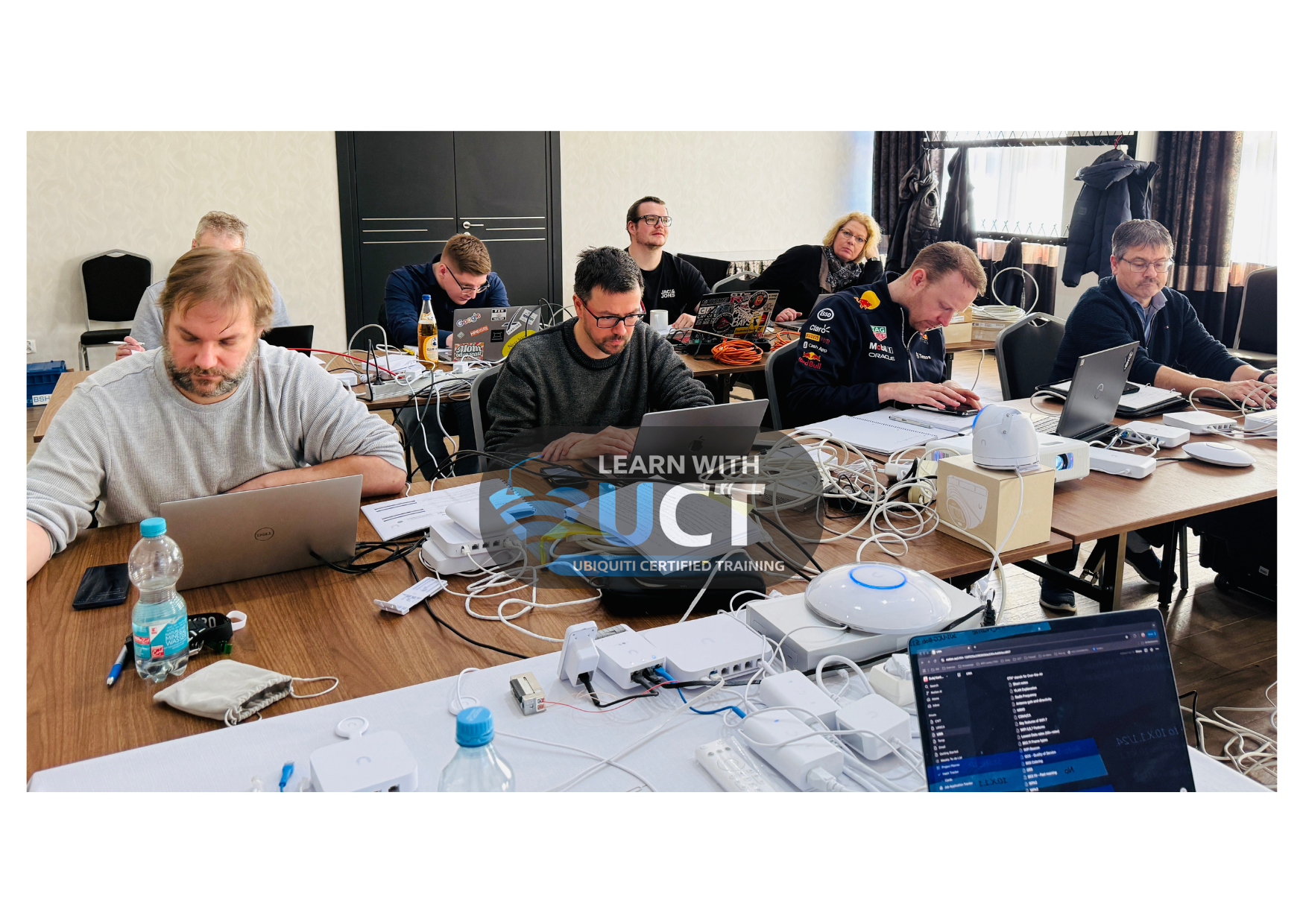
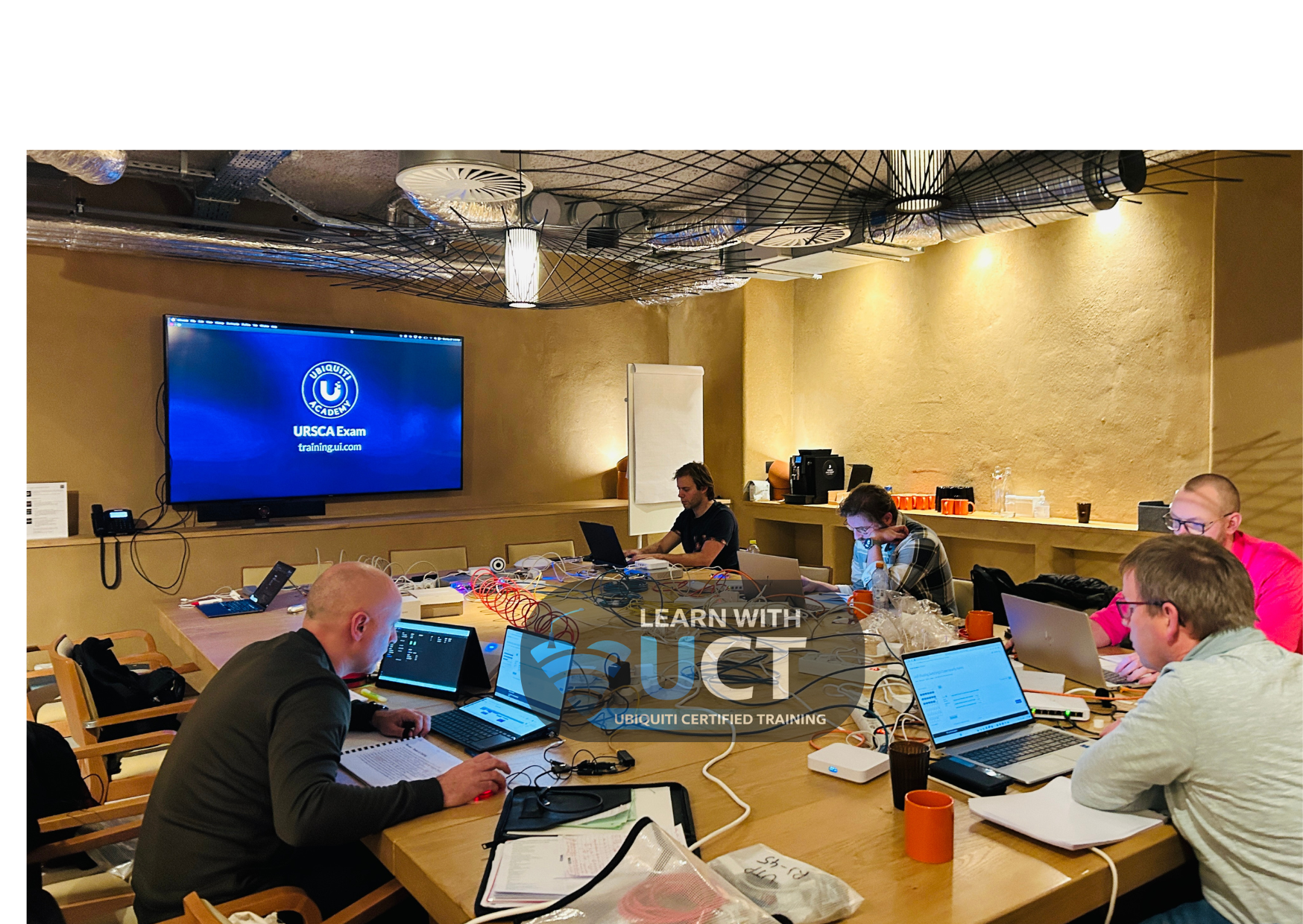
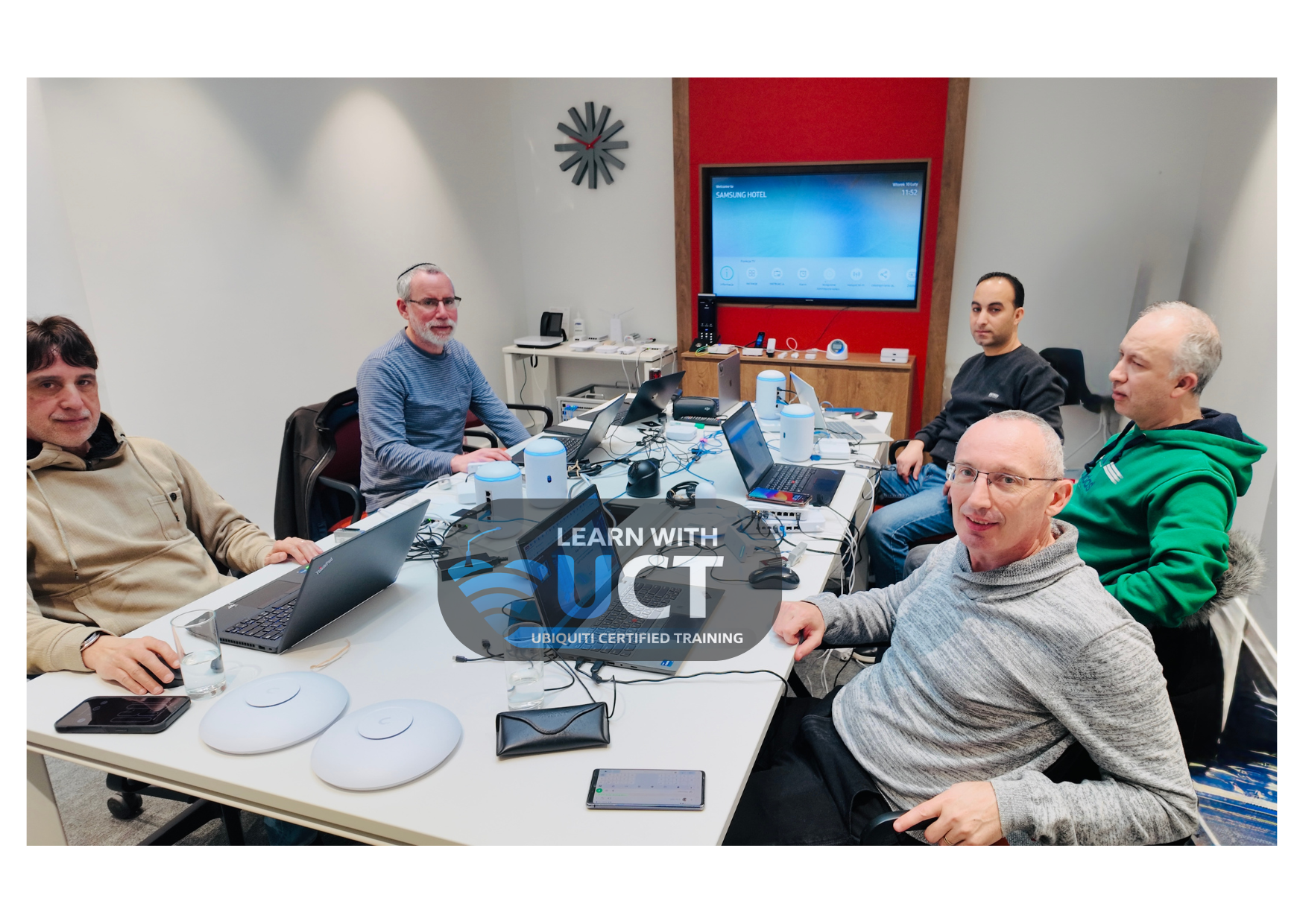
Hands-On Lab Experience with Ubiquiti Equipment
Get real-world experience using genuine Ubiquiti equipment in fully prepared lab environments.
Real Lab Environment
Practice on actual Ubiquiti devices in a dedicated lab setup.
Hands-On Learning
Configure, deploy, and troubleshoot instructor-guided lab exercises.
No Need to Bring Anything
All Ubiquiti equipment and lab resources are provided for in-class hands-on use only.
EQUIPMENT YOU WILL USE DURING TRAINING
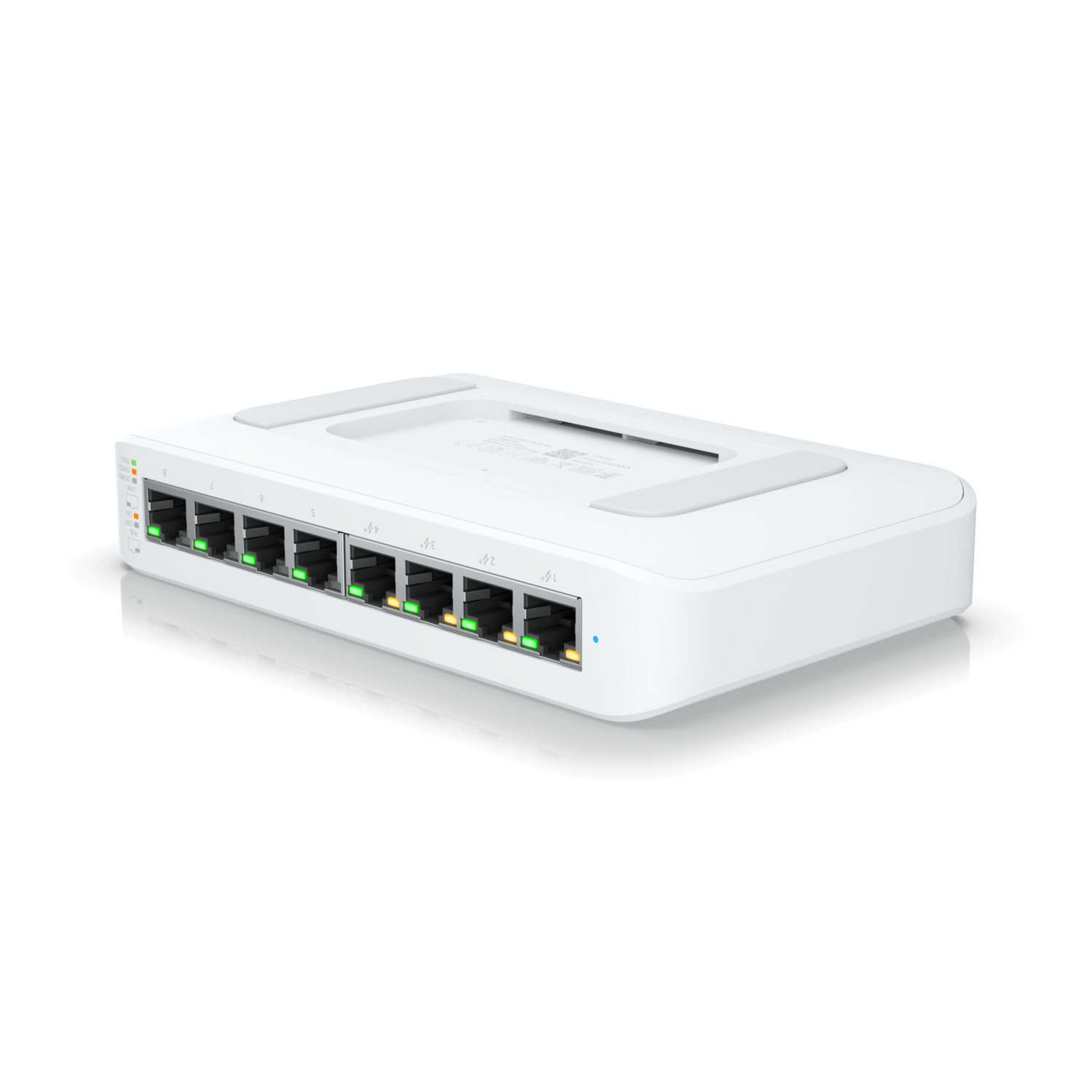
USW-Lite-8-POE
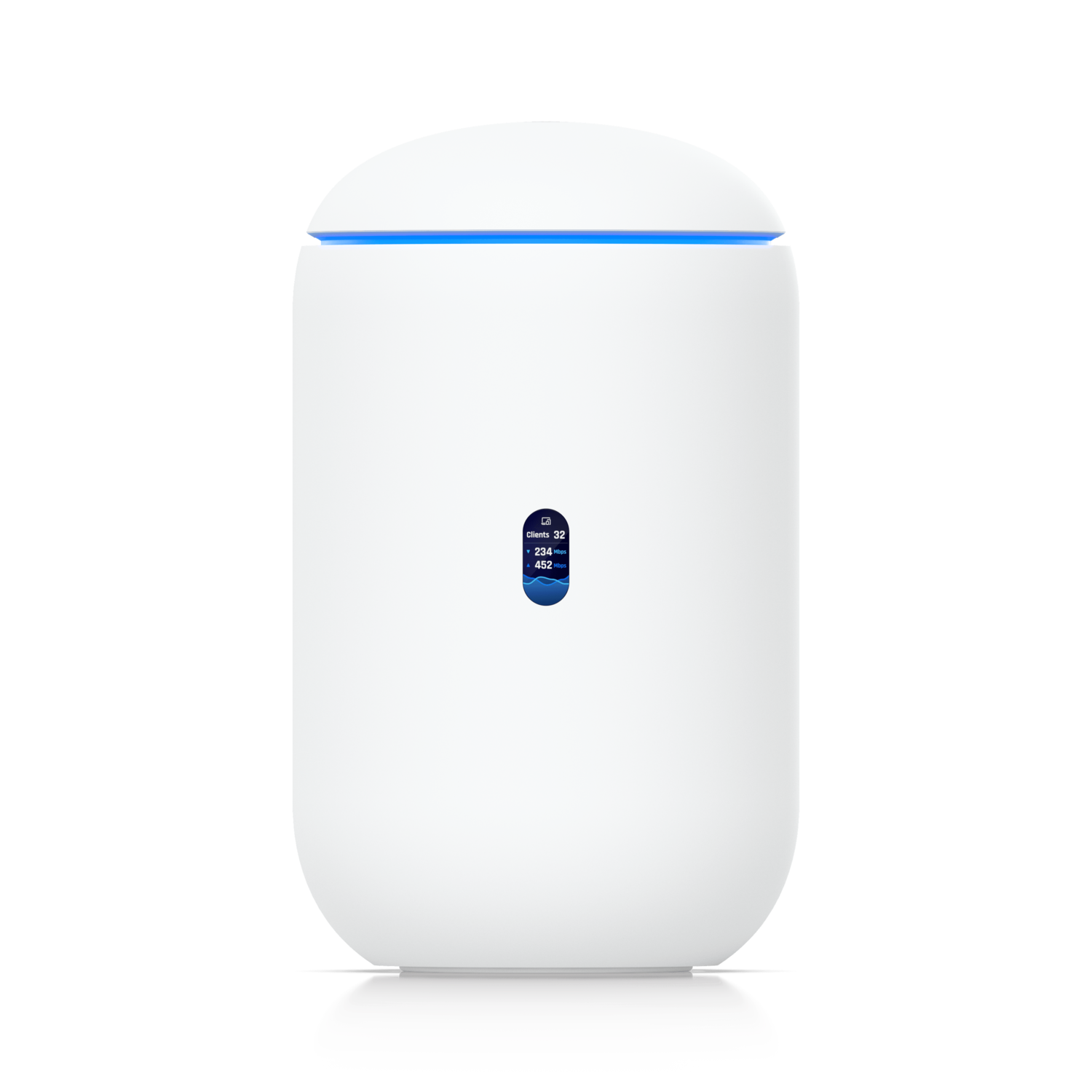
UDR7

U7 AP
Important
All Ubiquiti equipment and lab resources are provided during the training for in-class hands-on lab use only.
What Our Students Say
“Excellent hands-on training with real enterprise deployment scenarios. The labs were practical, and the instructor explained complex topics clearly.”
“Best UniFi training I’ve attended. Everything from Gateways to Protect and SD-WAN was covered in a structured and easy-to-follow way.”
“Very professional training environment with real devices and real-world examples. I feel confident deploying UniFi solutions now.”
“The small class size made a huge difference. Every participant received personal attention during the hands-on labs.”
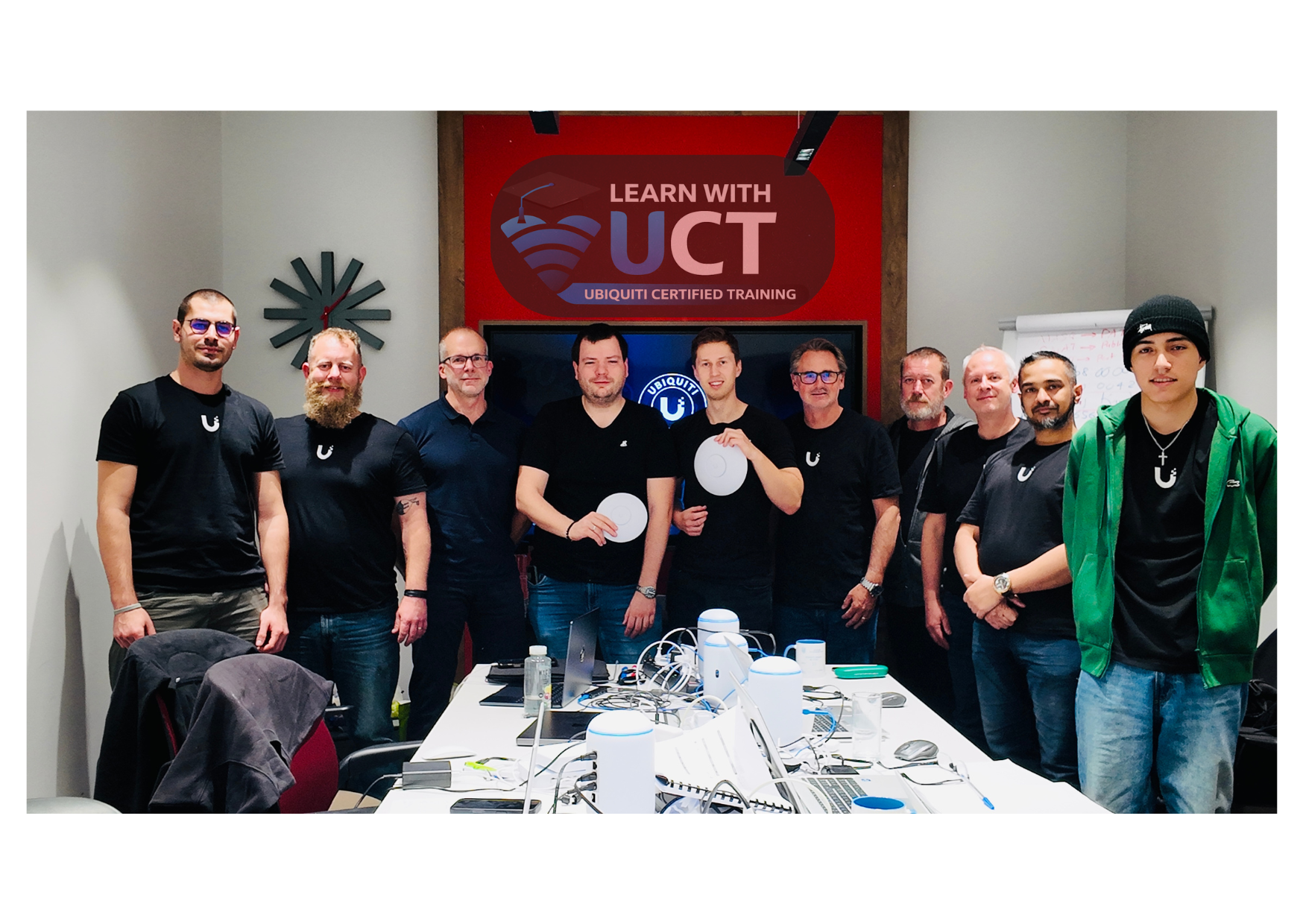
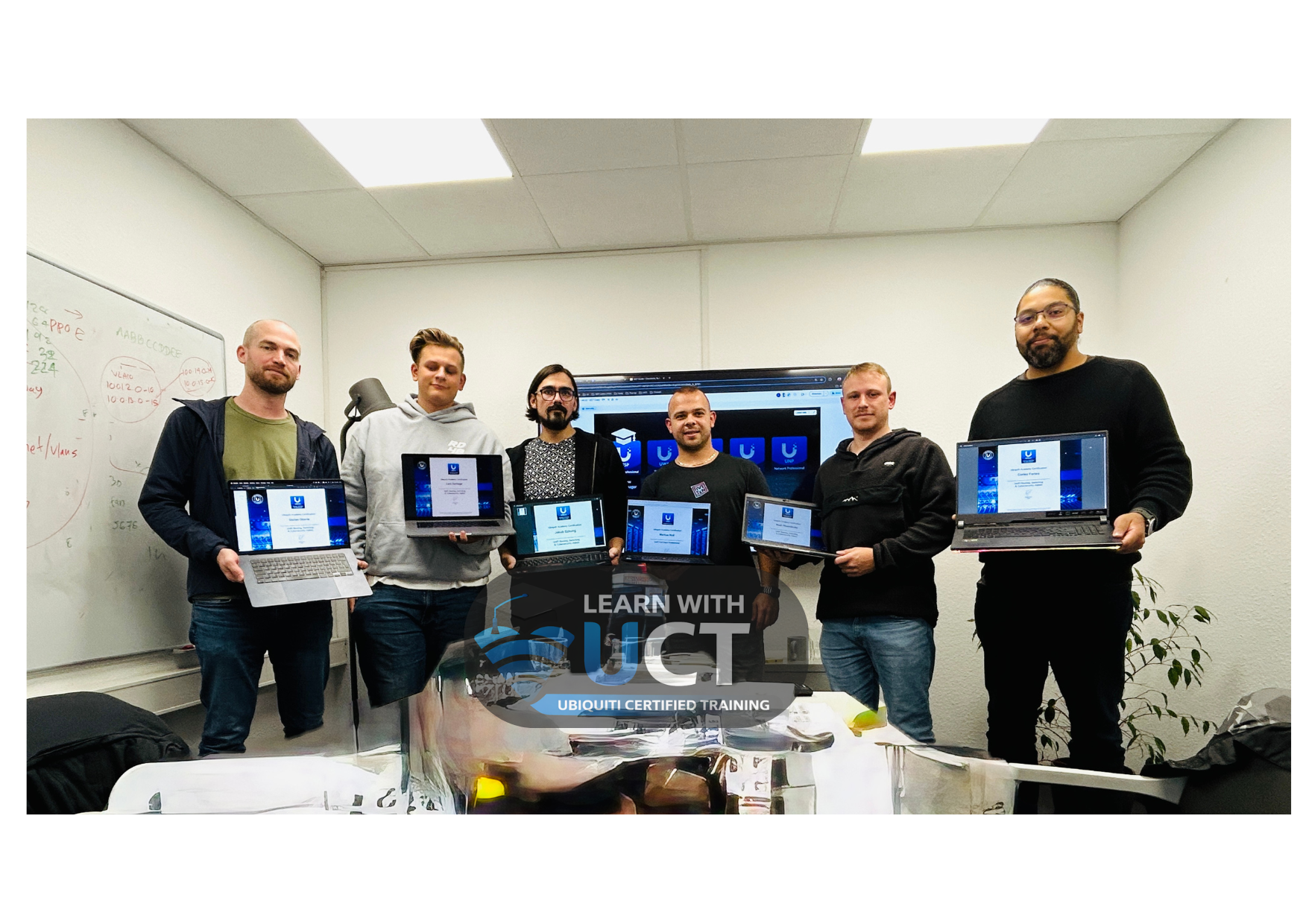
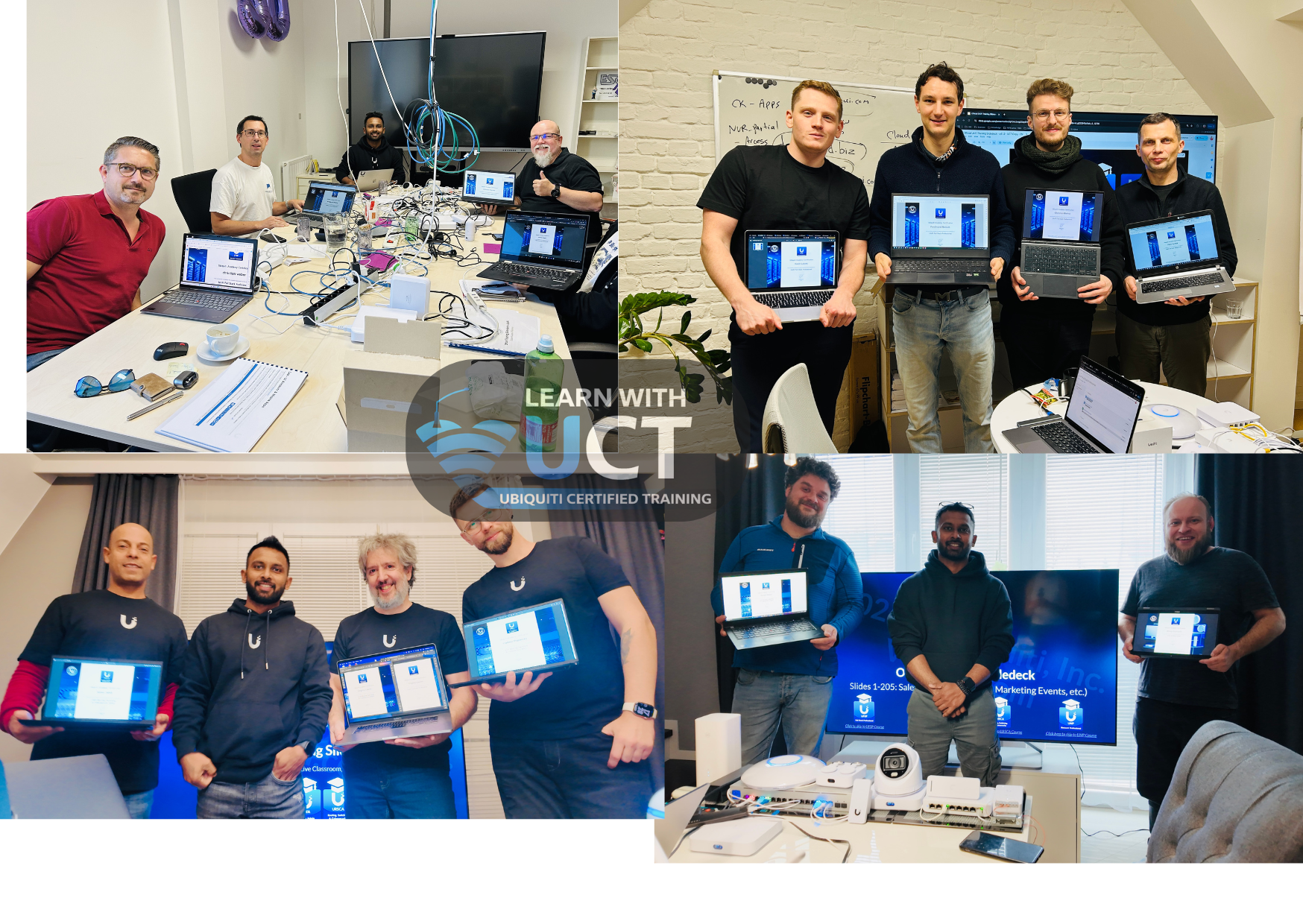
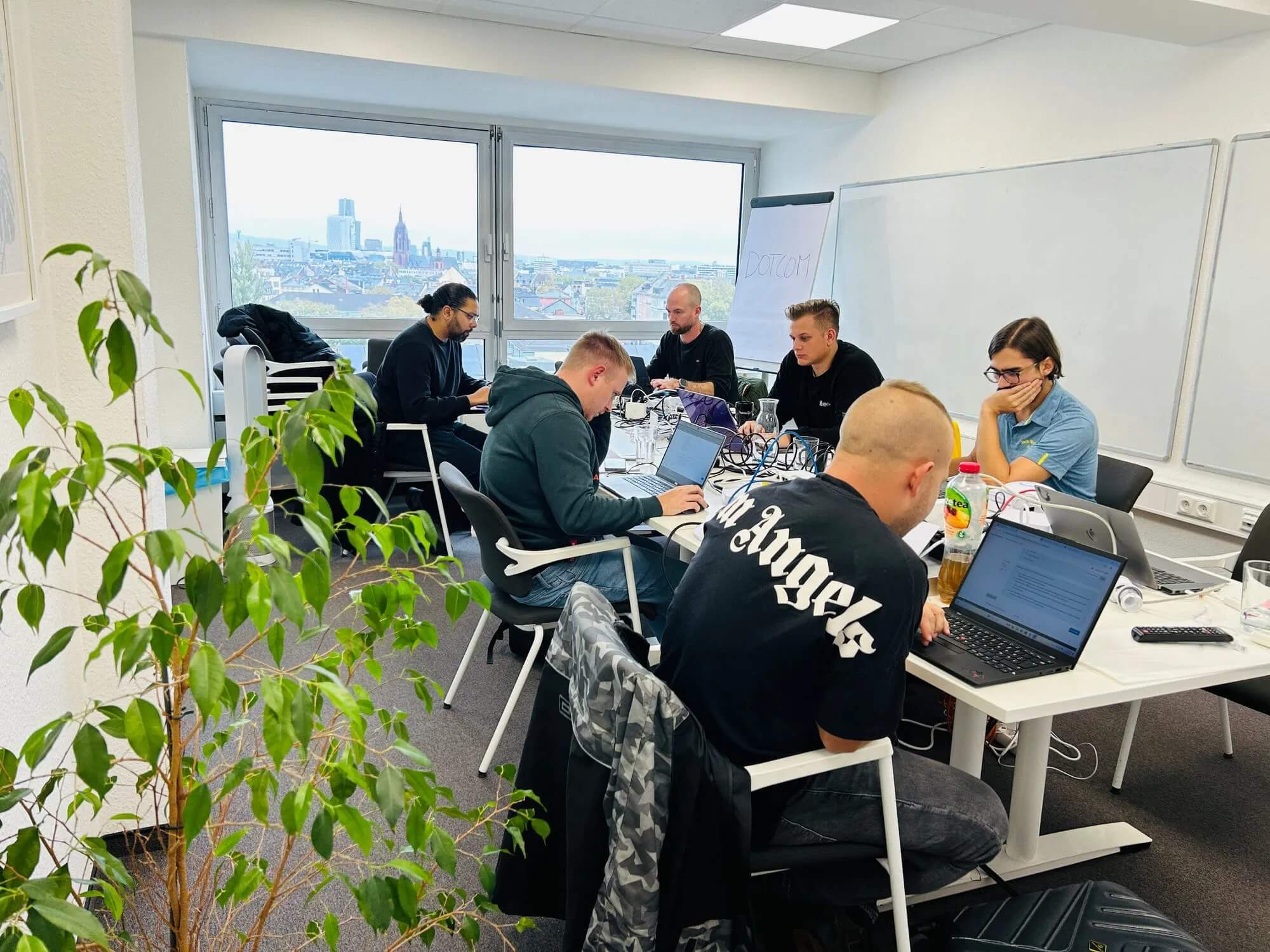
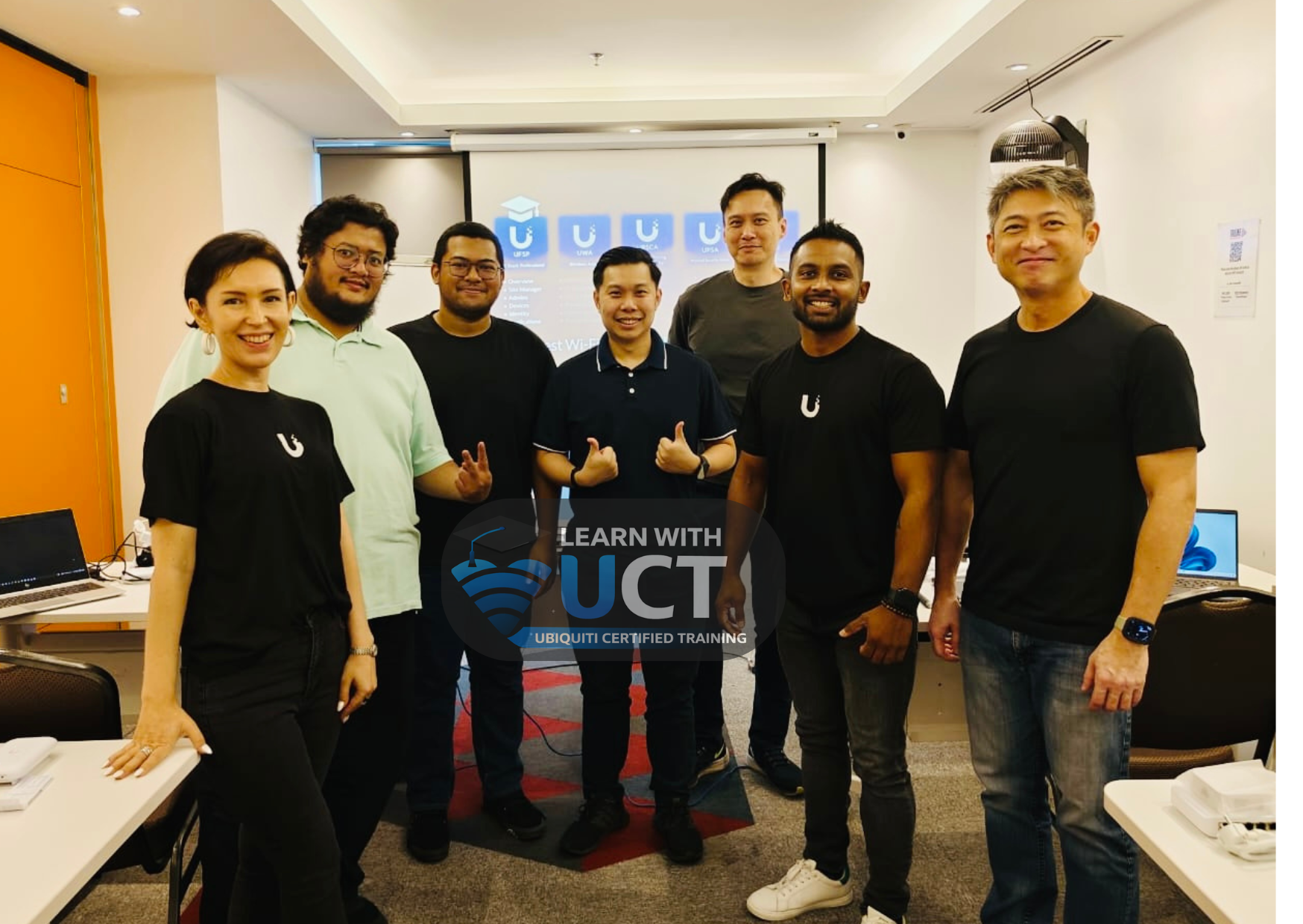
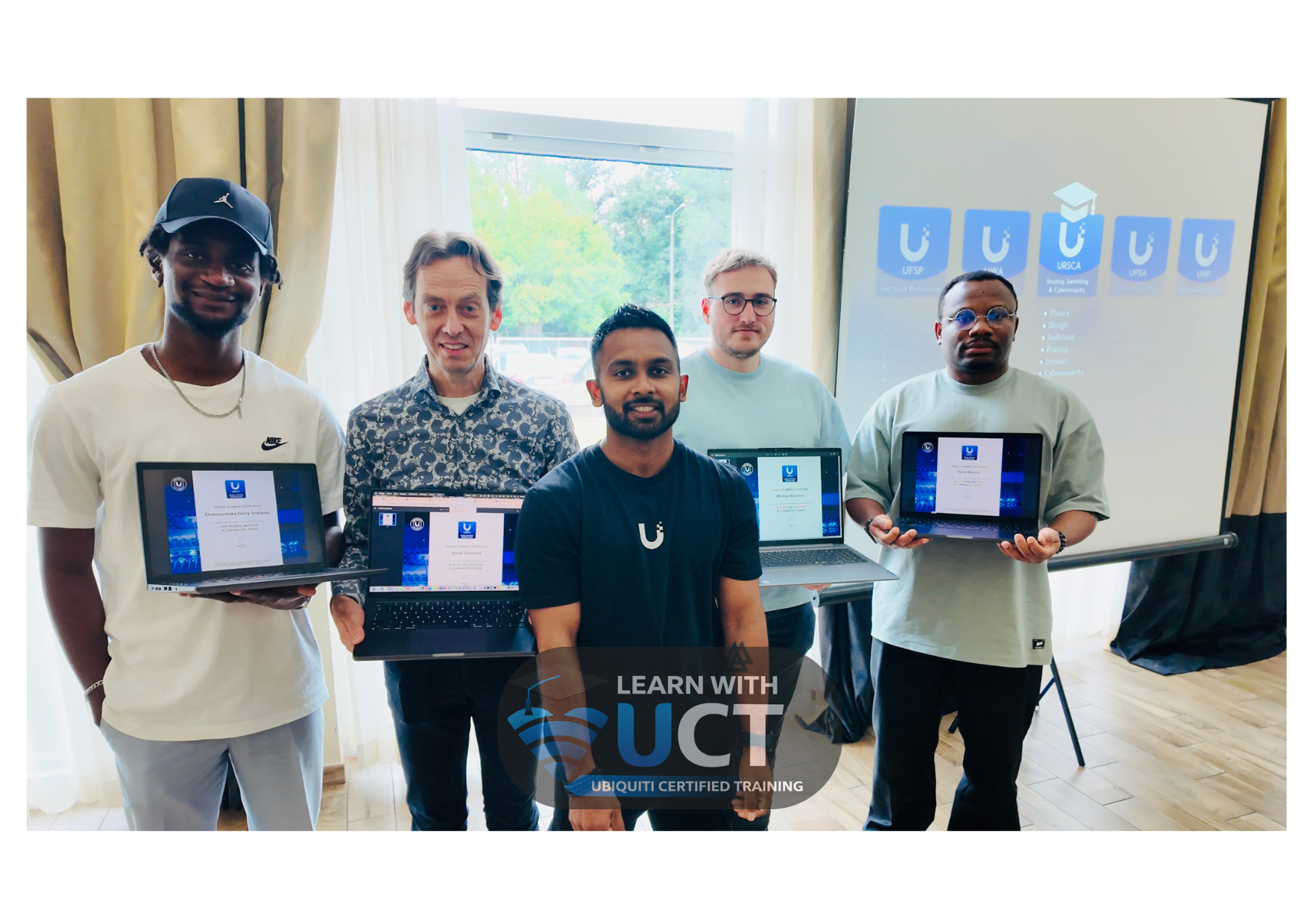
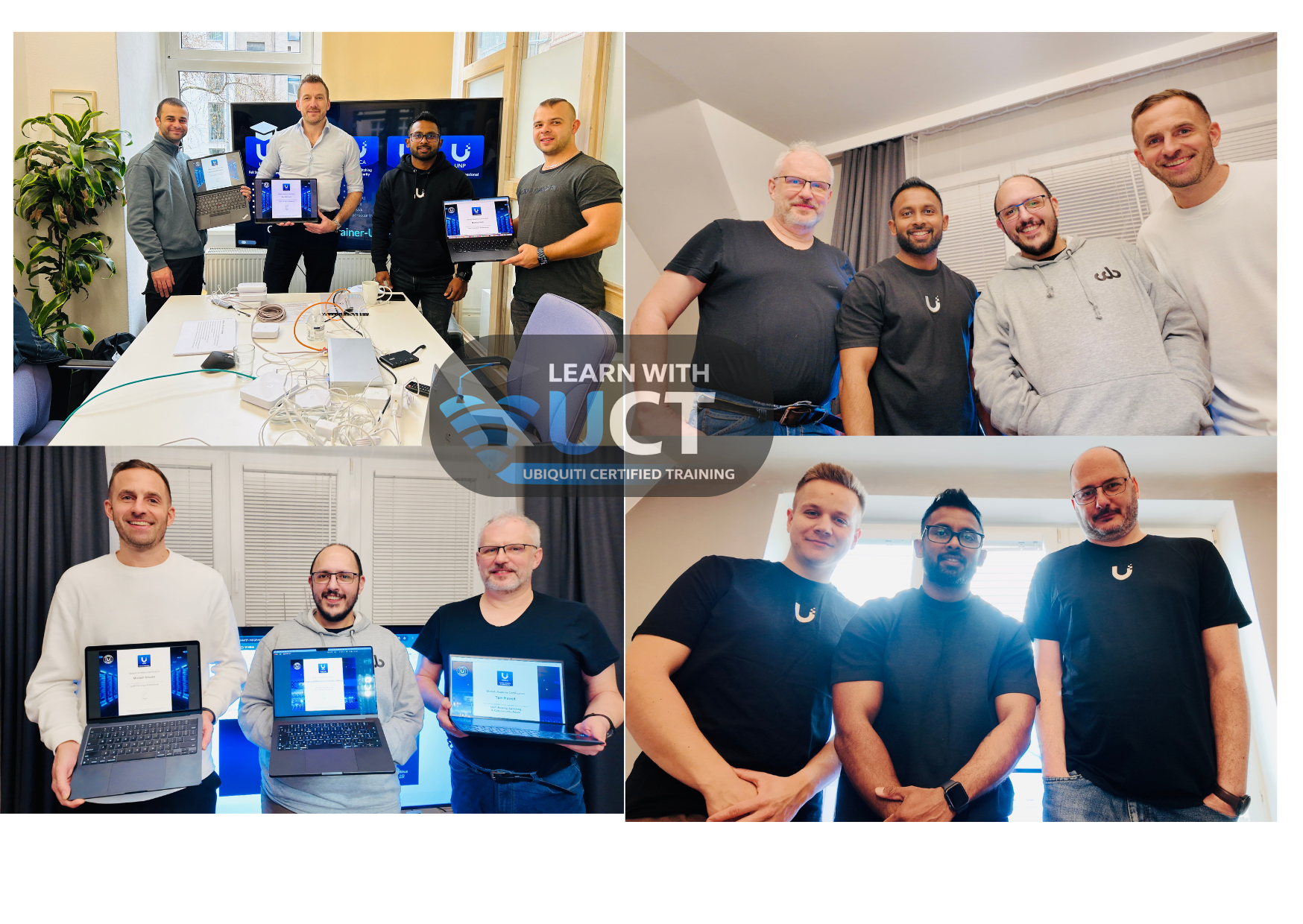
Real Training. Real Environment. Real Skills.
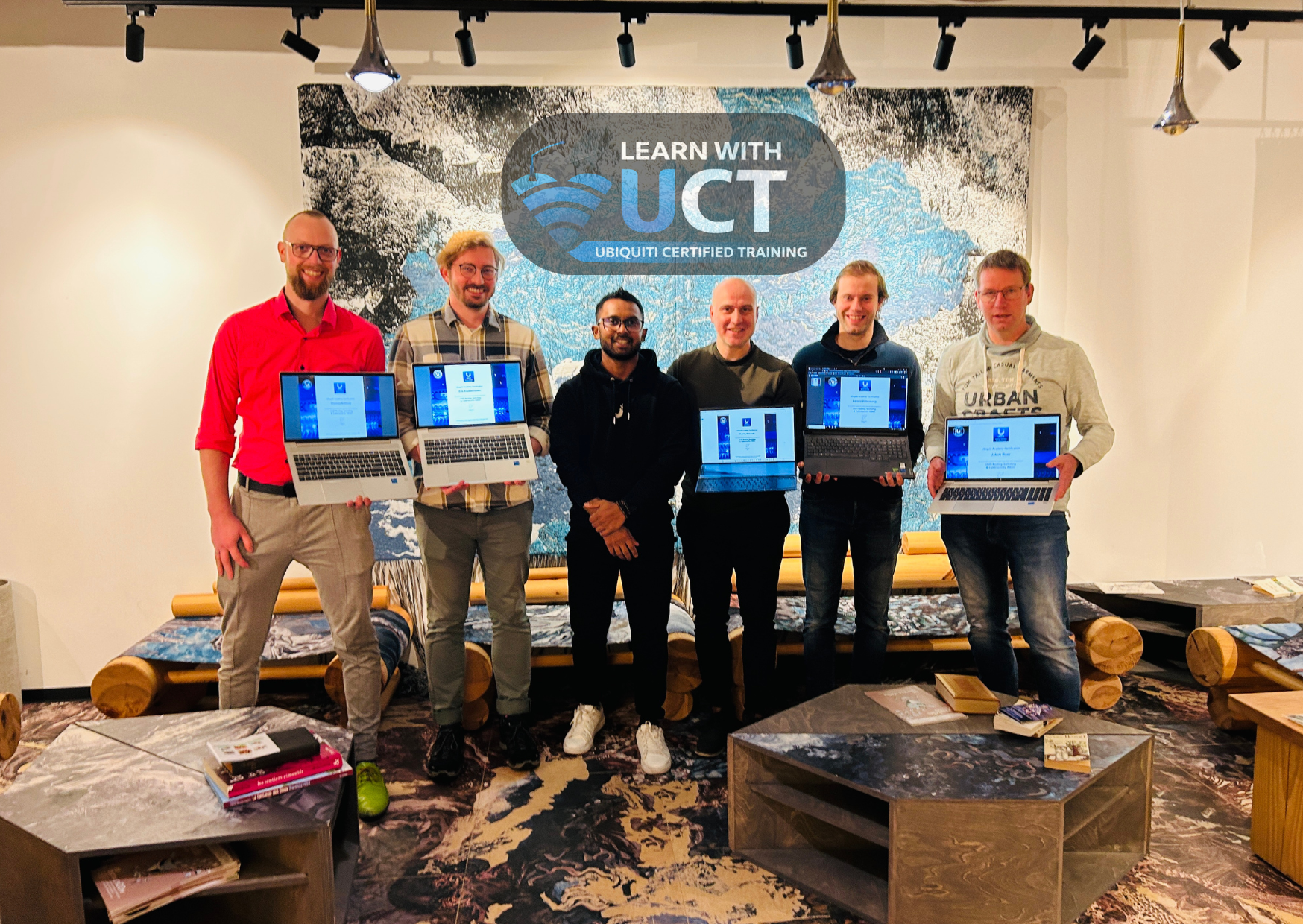
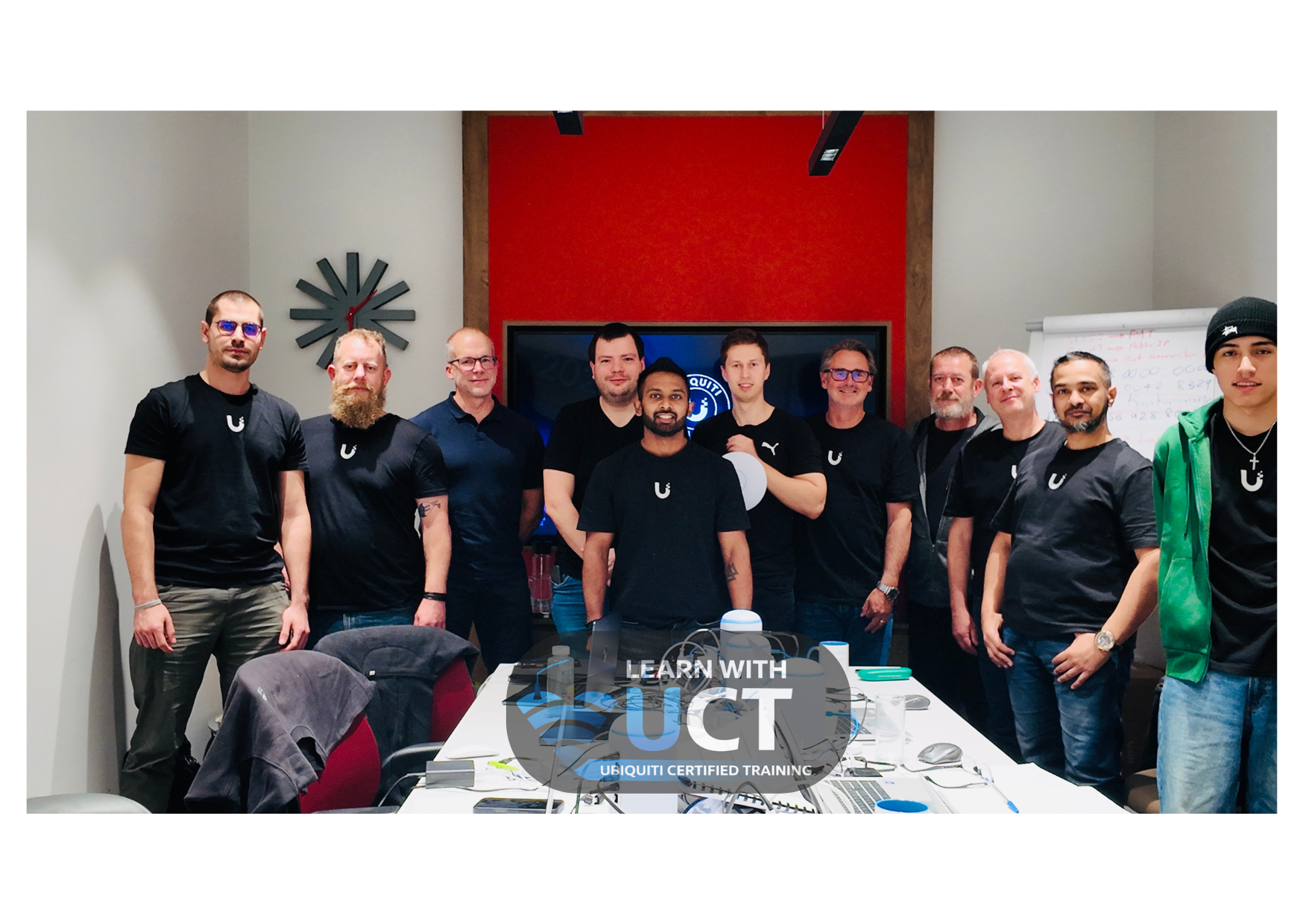
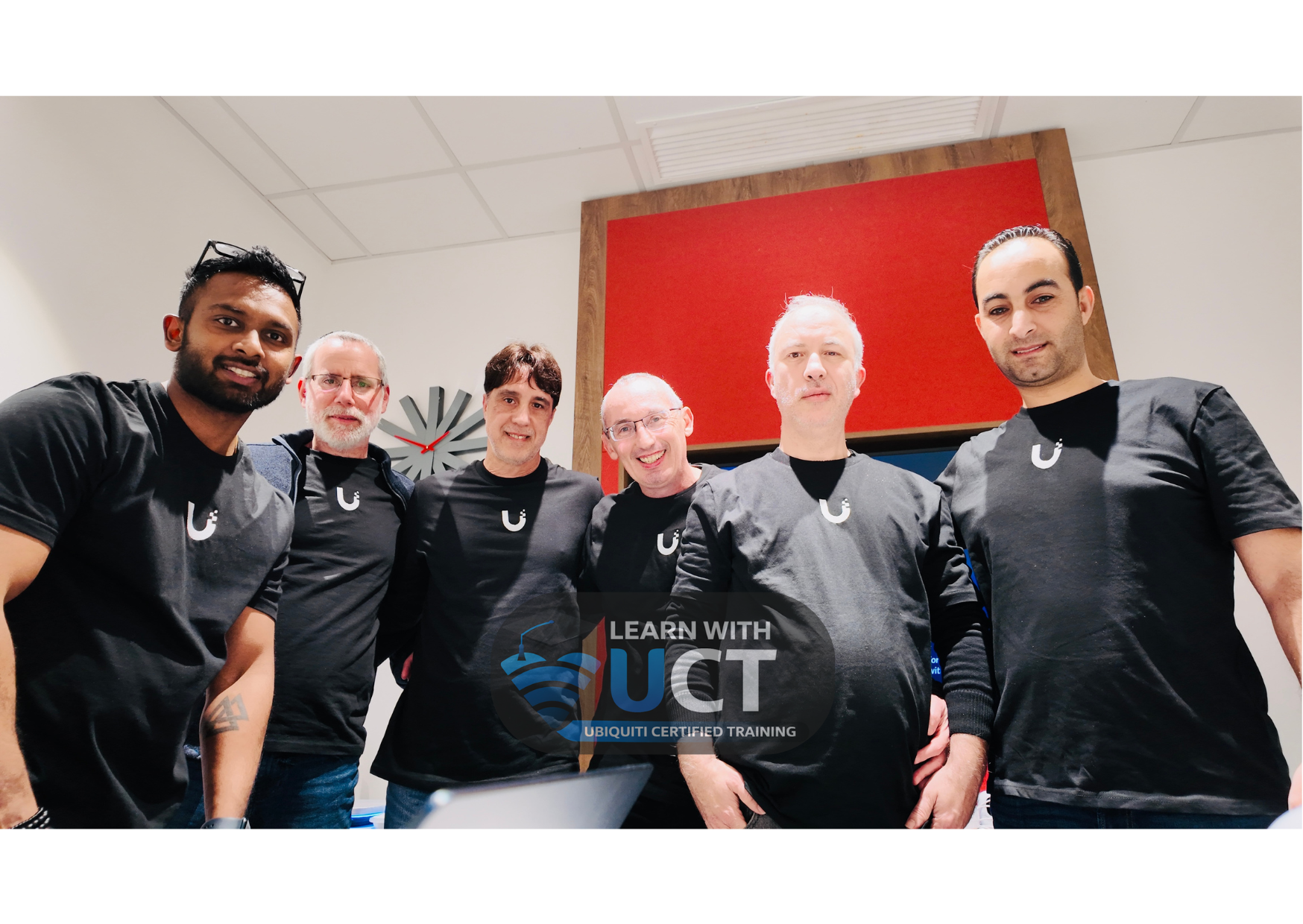
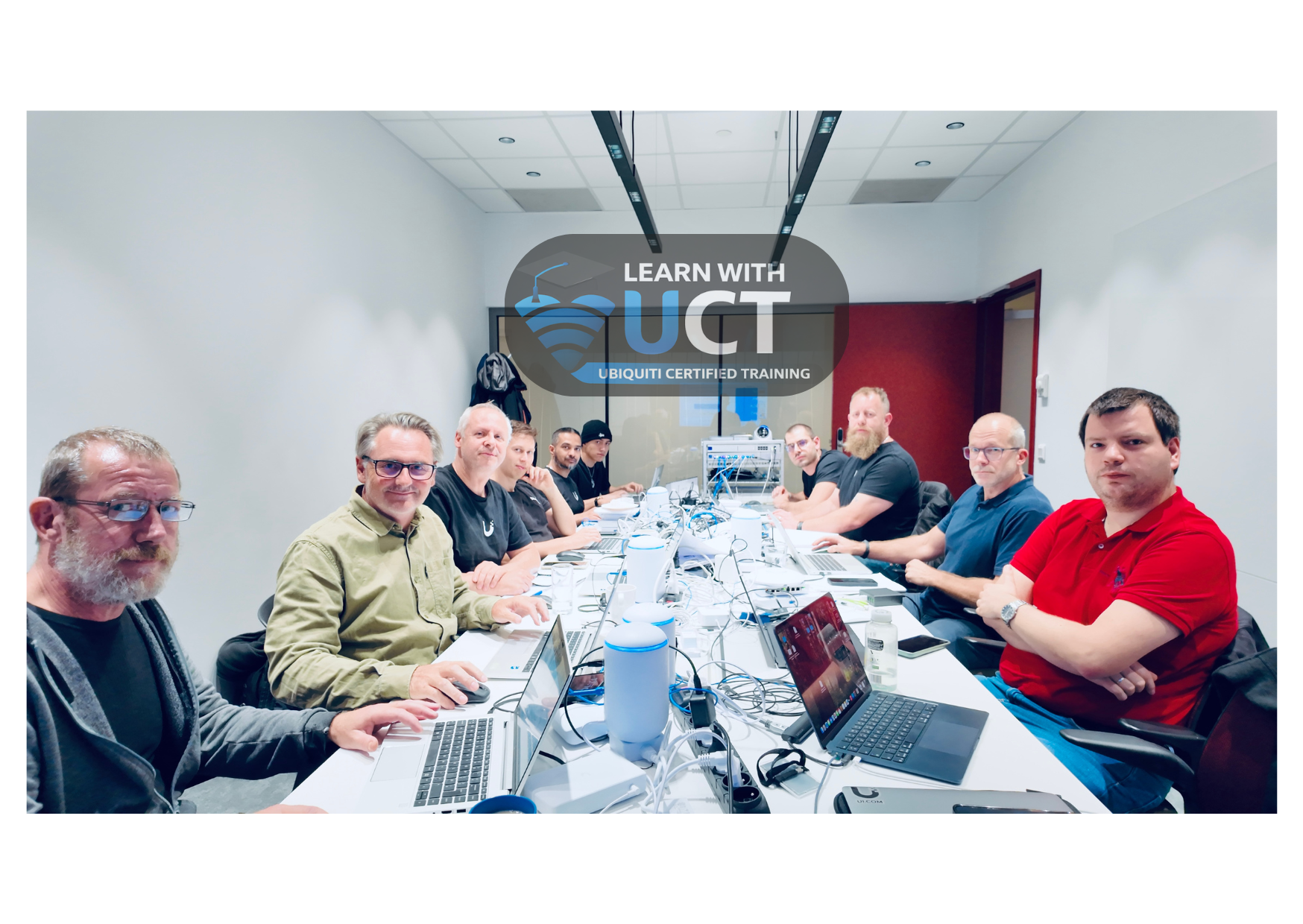
Get a glimpse of our expert-led sessions, hands-on labs, and real-world training environments built to boost your networking career.
Hands-On Labs
Real Devices & Scenarios
Expert Instructors
Industry Experienced
Small Class Sizes
Personalized Attention
Real-World Training
Practical & Job-Focused